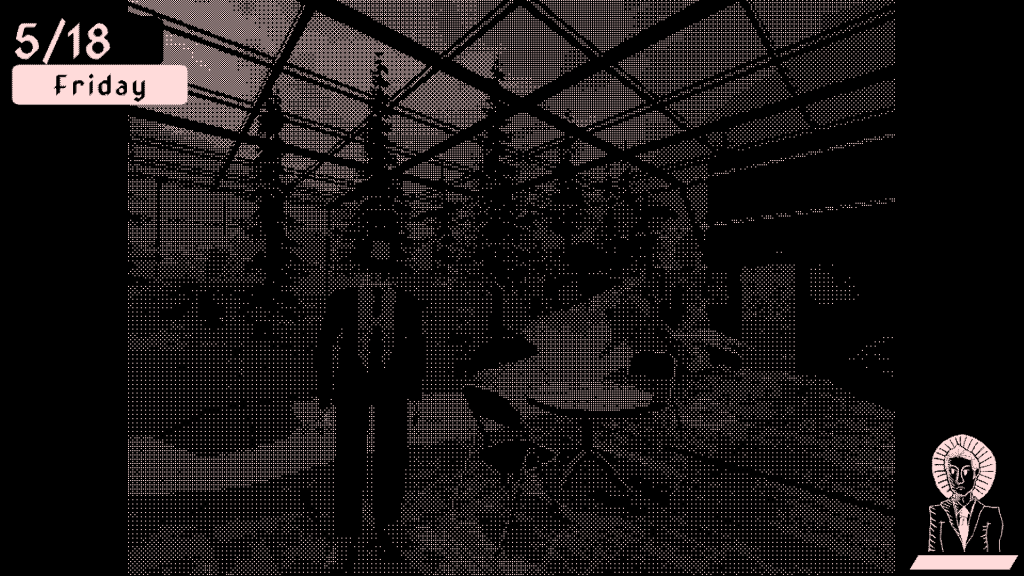
Over the past couple of week I did lots of soul-searching and thinking about publishing but that’s not fun.
What is fun?
RENDERING
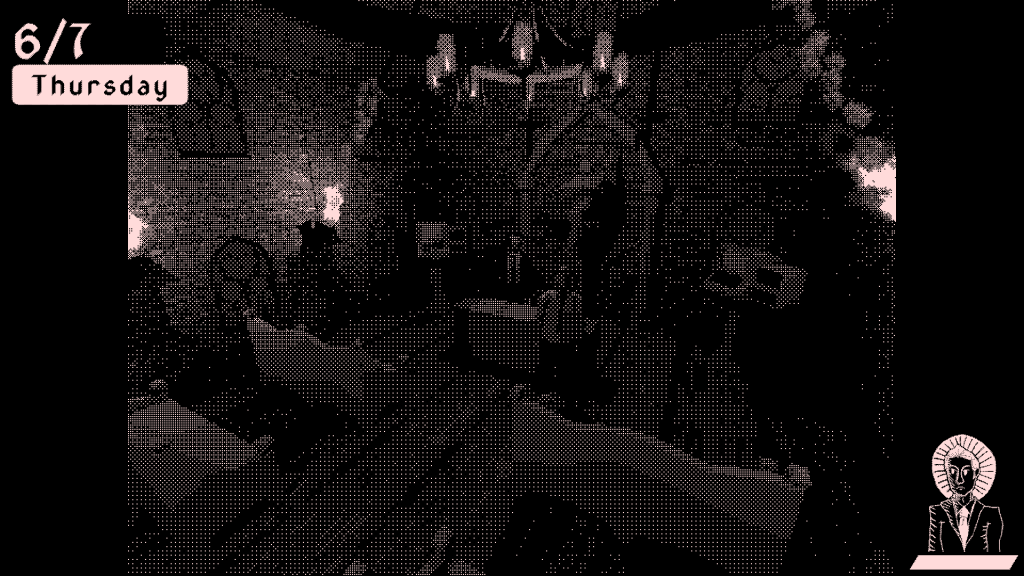
Finally, after six years of using Unity, I actually understand the entirety of Unity’s rendering process and know how to control it at every stage. I’ve been talking with a coworker a lot about my art style and he was stressing the importance of controlling the resolution of the game whenever you’re working with any sort of pixel-perfect game. (He’s currently porting his Playdate game to PC/Mac so he’s having similar dilemmas as me.) I didn’t fully understand what he meant, though, and while I knew that I should be controlling the resolution that the game renders at, I couldn’t figure out how to do that without using render textures.
Then, after talking to a classmate, I DID IT. I figured out not only how to use render textures, but, more critically, spent a lot of time working out all of the weird banding, compression, and stretching issues I was having. You see, because BYTE is dithered the way that it is, I can’t just output to render textures and have fun with resolution messing. If the render textures don’t perfectly scale to the screen size on scales of 1x, 2x, 3x, etc., then I get weird banding issues where specific rows and columns of pixels will get weirdly stretched out to fit the screen size.

THEN I found out that you can set Unity’s output resolution using a trivially simplistic function that I somehow did not know about, so I combined that with my render textures and now have a system that will find the nearest supported resolution to your monitor’s resolution without going over it, and then force Unity to output to that supported resolution. The game’s render texture will then get set to half that resolution vertically and horizontally re-scaled to be in a 4:3 aspect ratio. The UI renders at full-res 16:9 to retain text clarity.
(Also as a side note I figured out how renderers and render features work and now have separate renderers for my UI and game, one that clips transparent pixels and one that doesn’t. I HAVE CONTROL NOW.)
IT LOOKS VERY GOOD
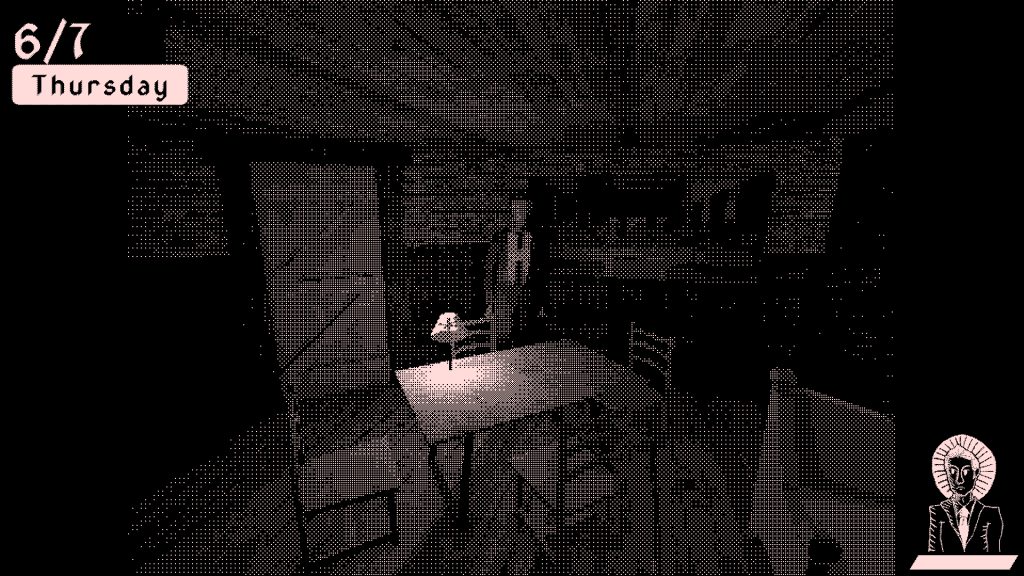
I was a little haunted by my old shader because while it did look good, I always felt like it looked a little incomplete. It felt too obvious that I was just slapping a shader onto my game output and not doing anything else. Additionally, at high resolutions, the dithering detail became too fine and everything just looked gray instead of dithered.
With the new system, though, the visuals actually feel like I’m taking control of every process and am intentionally choosing how all aspects of the game are being displayed. It feels like a finally complete art direction in a way that it never has before.
Up next I’m pitching to more publishers. I have completely redesigned my ask and timeline so hopefully, it’s a little more fruitful for me as we go forward.
 James Martini