Home
I’m James Martini (they/them), a game designer and writer from Portland, Oregon!
I'm a solo developer with a BFA in Game Design from NYU's Game Center. I have been making games for nine years and have worked professionally in the games industry for over five years,
most recently as a QA tester for Major League Baseball's Gaming and VR department.
My first commercial game, BYTE released in October, 2025, and I have been building tools for my next game in Godot since.
Use the nav bar at the top of this page to explore some of my work and learn more about me!
James, now!
This is live page that is upated periodically with what I'm up to.
This page was last updated on 4/17/26.
General Status
Deep in moving nonsense I got sick and the insane dustiness of our apartment has made it that being outside is somehow better for my recovery than being inside.
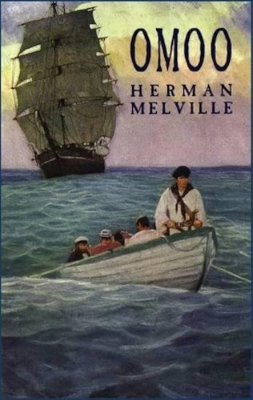
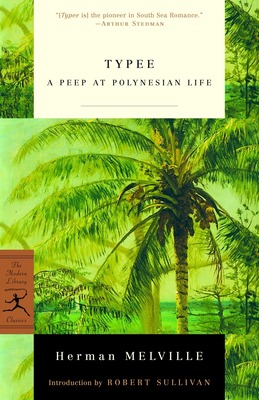
This has not prevented me from being fully back in my Herman Melville freak zone, though. Just finished Typee and going straight into Omoo.
Because all my other books are packed up, my only choice is to read that and then go straight to Mardi.
I'm also nearly done creating all the materials for a BYTE DVD-ROM release that I would like to have ready by the end of May. I won't be able to finish my work until I move, though.
What I've been reading:
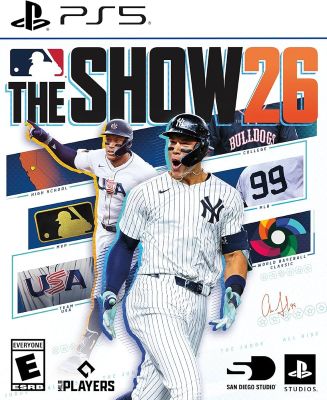
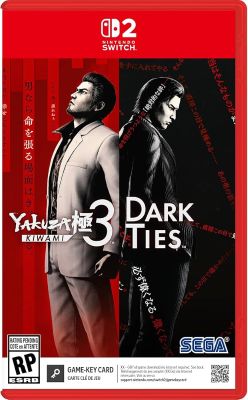
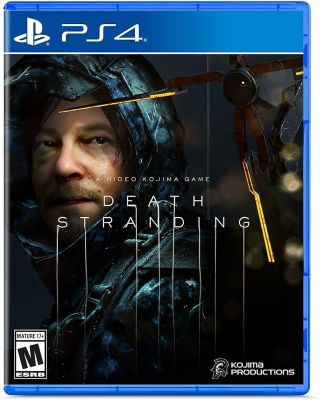
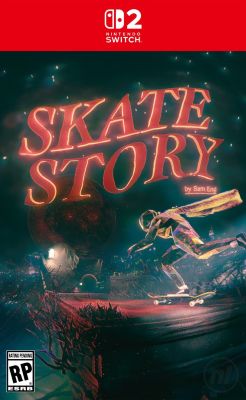
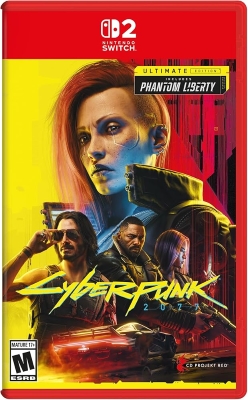
What I've been playing:
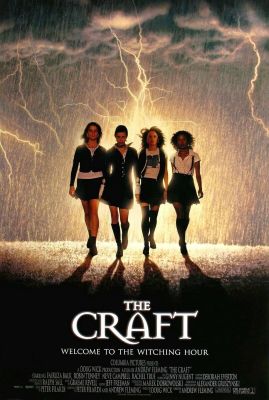
What I've been watching:
How to Use
Crack open this HTML file in a code editor (I happen to like Brackets, but you can use plain old Notepad if you want.)
Under the Hood
At the top is some technical stuff, then some embedding stuff like meta-og-title
and etcetera. These are pieces that will show up in the embed card when
you link to this site on Bluesky or Discord or somewhere. You can
include an image too, but you don't need to use any of this chunk if you
don't want. (More info on meta tags)
Then you'll see the <style>
section. This is where the CSS lives and gives the website its visual
style. CSS is capable of a lot of crazy tricks (especially if you want
to avoid learning Javascript), but it's also pretty easy to figure out. I
love and highly recommend the Mozilla CSS guide for learning what you can do.
The HTML content is cut up into <section>s, each of which has an ID. This is how this website manages multiple pages, by using the :target
selector and "anchor links," which are links to a specific element on a
page instead of a different page. Otherwise the HTML in here is pretty
basic—just headers and paragraphs and links—so it should be pretty
simple to figure out, especially if you've ever inspected element on
Wikipedia to get a fake screenshot for a gag.
You can embed images and stuff with img
tags and a URL, either to an image in the same folder as this HTML file
or to an external host like imgur. It's good manners to use loading=lazy on images, especially if they're not on the homepage so they're not visible right away.
Stealing Rocks
HTML, like all programming, is a process of pasting
other people's code off forums into your own project until it does what
you want. A lot of places (Youtube, etc.) will even give you embeddable
HTML you can plop right into your own site. Check this out:
Anyway. I'm not going to write a whole "Learning
Basic HTML" guide in here. Just mess around with it and see what breaks.
HTML elements are nested boxes and they have IDs or classes (or are
just standard types of thing) that get referred to in the CSS and
painted according to those rules. If you're smart, you can use
combinations of classes to make writing and typesetting a breeze. Or, if
you're like me, you can slap together some big mess and hope nobody
peeks under the hood.
How to Publish
Hosting
Getting your site public is easier and cheaper than ever. You will probably want to use Neocities,
which is very user-friendly and well-documented. They offer a paid plan
with extra storage and some other neat features, but you can make
something totally fleshed-out with the couple gigabytes you get for
free. Neocities also has an in-browser code editor and file manager,
which is so sick when you upload a page and realize there's a typo in
it.
If you want to set out on your own, I use Netlify
for all my sites. Netlify is a little intimidating because it's meant
for businesses, so it'll show you a bunch of popups about A/B testing
and node functions and other nerd stuff. But that also means it's free
to use as a regular person, so I just ignore all those and drag &
drop my little folders.
Anyway, using either of these services is pretty straightforward, especially for a one-file site like this one. Rename it to index.html, upload it, and you're rolling.
It's also not all that difficult to host your website on your own hardware, but this makes your site being up depend on keeping something plugged in at your house 24/7. Just about anything with a CPU can run a web server, so it can be a good use for any old device you've got lying around.
Getting a Domain
A custom domain name is cool but totally optional. It does cost some money, depending where you buy it—I use Namecheap, people also like Porkbun—but regardless of who you go through you can typically get one for about 10 bucks a year, or even less if it's a goofy domain nobody else wants.
To hook up a vanity URL to your site, you'll have to
do some stuff with DNS records. This process is slightly different for
every domain broker, so just look for the instructions on the service
you chose. I believe in you.
Welcome to Whale Watching!
Whale Watching is a digital blog/zine that I run to package up my writing into more digestible chunks and force me to trim down my work.
The majority of Whale Watching posts are PDF zines that I make that follow a strict format of two 400-word mini-essays, one 800-word "longer" essay, and then a roundup of
development work I've done since the previous issue and things I have watched, read, and played recently. Some posts, however, may be normal blog posts.
Below is the blog-reel with all of my posts.